Statement Desk alternative
Statement Desk pricing, and an alternative that charges by the page
Statement Desk is a web app that converts PDF bank statements to Excel, CSV, or Google Sheets, with exports to Xero, priced by the number of transactions a month. pdf2text charges by the page: upload a statement, scan, or photo, check every row beside the page, and download Excel, CSV, or a file for QuickBooks or Xero, or pay once for a single document. For Google Sheets, direct Xero export, or client invoicing in the same tool, Statement Desk is the better choice.
In short
- Pages or transactions: pdf2text's $19 plan covers 150 pages; Statement Desk's $19 Professional plan covers 1,000 transactions a month, up to 500 per file. Which costs less depends on how many transactions your pages hold.
- One statement without a plan: $3 once per document of up to 5 pages, $9 up to 25 on pdf2text. Statement Desk's free plan has 3 conversions, and its one-time Migration Mode is $29.99 per client, up to 2,500 transactions.
- Stay with Statement Desk for Google Sheets, direct export to Xero, AI categorization, or client invoicing.
Try it on one of your statements
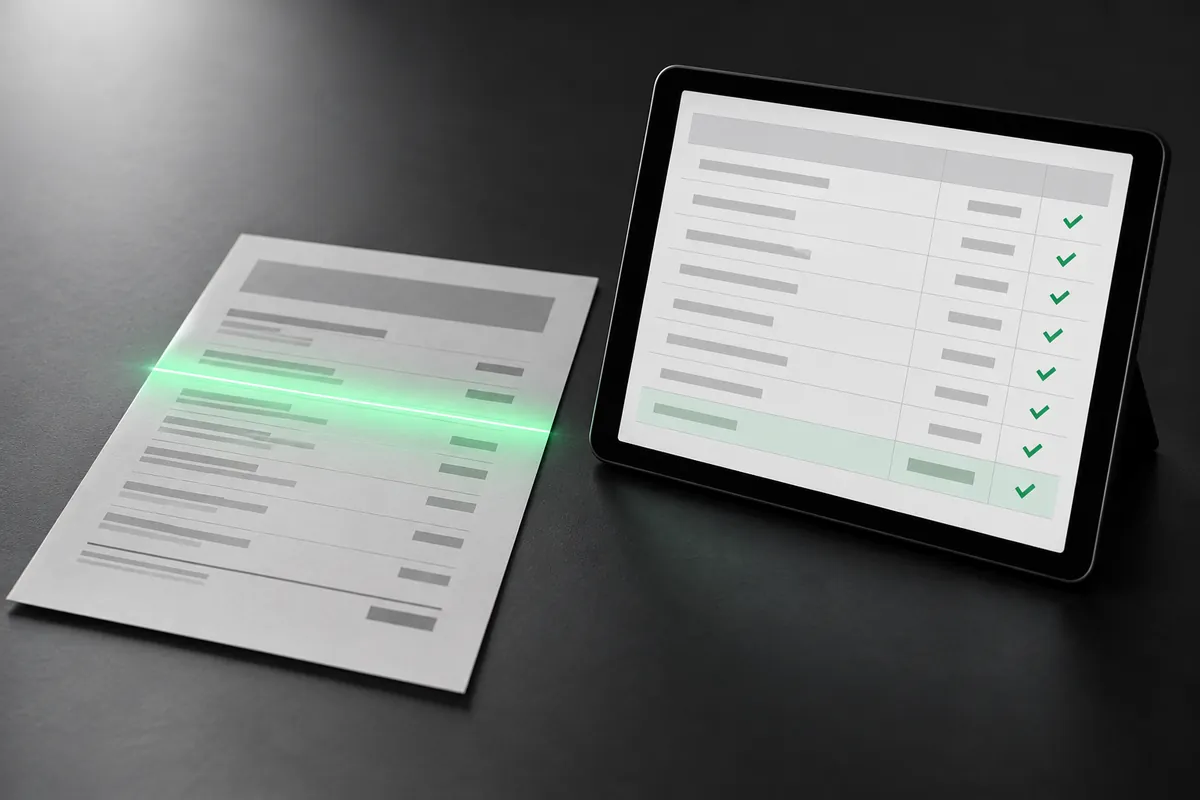
Get Excel or CSV back, and check every row beside the original page.
Page 1 free, no sign-up. Pay once from $3 a document, or $29 a month for 400 pages.
Why people look for a Statement Desk alternative
Busy accounts
Statement Desk counts transactions: 1,000 a month for $19, 5,000 for $49. pdf2text counts pages, however many transactions each one holds.
One statement, paid once
Statement Desk's free plan has 3 conversions, then a monthly plan. On pdf2text you can pay once for a single document: $3 once per document of up to 5 pages, $9 up to 25.
More than statements
Statement Desk converts bank statements. pdf2text also reads invoices, receipts, and any PDF, scan, or photo to text or Word.
Compare
pdf2text and Statement Desk at a glance
| Feature | pdf2text | Statement Desk |
|---|---|---|
| How you pay | By page count: $3 once per document of up to 5 pages, $9 up to 25, or $19 a month for 150 pages | By transactions: $19 a month for 1,000, $49 for 5,000; Enterprise by quote |
| Free option | The first page of each document free with no credit card, and 5 free pages every week with a free account, one per document | 3 free conversions, up to 400 rows per file and 10 MB, with CSV export |
| A one-off job | $3 once per document of up to 5 pages, $9 up to 25 | Migration Mode: $29.99 once per client, up to 2,500 transactions merged and de-duplicated |
| Scans and photos | Yes, including scanned PDFs and phone photos | Scanned, faxed, and photographed statements; OCR on paid plans |
| QuickBooks and Xero | QBO, OFX, QuickBooks CSV, and Xero CSV files you import | Export to Xero (in bulk on Business); QuickBooks as IIF or a CSV formatted for import |
| Spreadsheet and data formats | Excel, CSV, JSON, and plain text | Excel, CSV, and Google Sheets |
| Checking results | Every row beside the original page, with balance checks | Amounts cross-checked against the running balance, with a confidence score for each transaction |
| Documents | Bank statements, invoices, receipts, and any PDF, scan, or photo to text or Word | Bank statements |
| API | Yes | On the Enterprise plan |
Pricing
What you would pay
Statement Desk counts transactions (rows) and pdf2text counts pages, so the cheaper option depends on how many transactions your statements have on each page. Statement Desk's yearly billing is 20% less.
| Option | pdf2text | Statement Desk |
|---|---|---|
| Free | The first page of each document free with no credit card, and 5 free pages every week with a free account, one per document | 3 free conversions, up to 400 rows per file |
| One document or one job | $3 once per document of up to 5 pages, $9 up to 25 | Migration Mode: $29.99 per client migration, up to 2,500 transactions |
| Entry plan | $19 a month for 150 pages | Professional: $19 a month for 1,000 transactions, up to 500 per file |
| Larger plans | $29 a month for 400 pages, or $79 a month for 1,500 pages | Business: $49 a month for 5,000 transactions and up to 5 users |
Statement Desk prices and features are from its own website, checked on October 20, 2026. They may have changed since. Sources: Statement Desk pricing, Statement Desk home page. See pdf2text pricing
Choose pdf2text if
- Your statements have many transactions on each page.
- You want to pay once for a single statement.
- You also convert invoices, receipts, or other PDFs.
- You want an API without an Enterprise contract.
Stay with Statement Desk if
- You work in Google Sheets, or export straight to Xero.
- You want transactions categorized and merchant names cleaned up as you convert.
- You're moving a client to Xero or QuickBooks and want overlapping statements merged and de-duplicated in one file.
- You invoice clients from the same tool, or share one account with up to 5 users.
- Your statements have few transactions over many pages, since Statement Desk counts transactions.
How to switch from Statement Desk
-
Upload a bank statement PDF, scan, or photo below. Its first page is free, with no credit card.
-
Check the dates, descriptions, amounts, and balances beside the original page.
-
Download Excel or CSV, a QBO or OFX file, or the QuickBooks or Xero CSV, and import it as you do today.
-
Nothing to migrate: each statement converts on its own, so you can keep Statement Desk until you are sure.
Page 1 free, no sign-up. Pay once from $3 a document, or $29 a month for 400 pages.
FAQ
Common questions
How much does Statement Desk cost?
Is pdf2text or Statement Desk cheaper?
Does pdf2text export to Xero like Statement Desk?
Does pdf2text read scanned statements?
Convert your next statement with pdf2text
Upload a statement, check the rows, and download Excel or CSV. No credit card needed for the first pages.