PDFTables alternative
PDFTables pricing, and an alternative with a free first page
PDFTables converts the tables in a PDF to Excel, CSV, XML, or HTML, on its website or through its API, paid with credits bought in advance; it no longer has a free trial. pdf2text is made for financial documents: upload a bank statement, scan, or phone photo, check every row beside the page with a balance check, and download Excel, CSV, or a file for QuickBooks or Xero, with the first page of each document free. For large volumes of clean digital PDFs, PDFTables costs less per page.
In short
- Try before you pay: the first page of each document is free on pdf2text, with no card. PDFTables ended its free trial, so you buy credits before the first conversion, from $50 for 1,000.
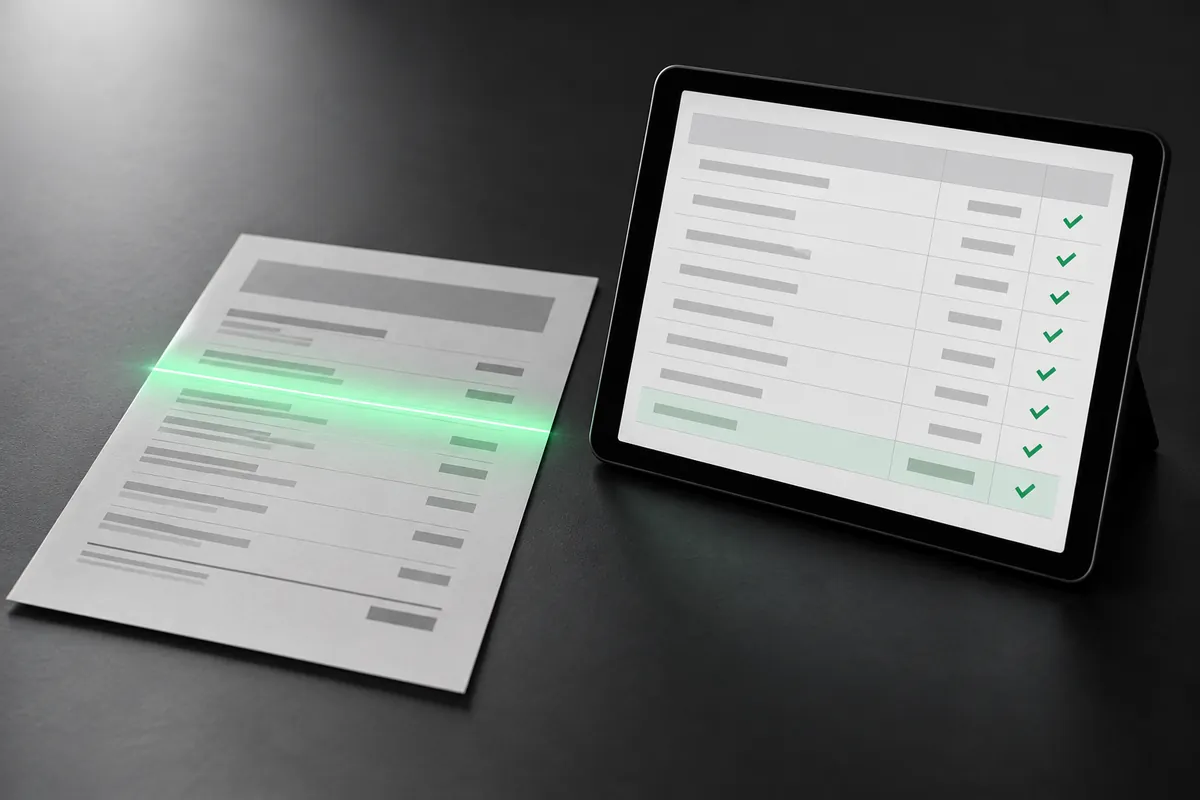
- Transactions, not a table grid: pdf2text reads a statement's dates, descriptions, amounts, and balances and checks them. PDFTables recognizes the tables on each page and exports them as they are.
- For large volumes of clean digital PDFs, PDFTables costs less: 10,000 credits are $250, at 1 credit a page with its Standard extractor.
Try it on one of your statements
Get Excel or CSV back, and check every row beside the original page.
Page 1 free. Pay once from $9 a document, or $29 a month for 400 pages.
Why people look for a PDFTables alternative
No free trial
New PDFTables users register and buy page credits before converting a PDF. pdf2text shows the first page of each document free, with no card.
Scans and phone photos
PDFTables' Standard extractor isn't for image-only scans; its AI extractors read scans for 2 credits a page. pdf2text reads scans and phone photos like any other page.
Files for the books
PDFTables exports XLSX, CSV, XML, and HTML. pdf2text gives Excel and CSV, plus QBO, OFX, QuickBooks CSV, and Xero CSV files you import for a statement.
Compare
pdf2text and PDFTables at a glance
| Feature | pdf2text | PDFTables |
|---|---|---|
| How you pay | By page count: $9 once per document of up to 25 pages, or $19 a month for 150 pages | Prepaid credits: $50 for 1,000, $150 for 5,000, or $250 for 10,000, valid for a year |
| Free option | The first page of each document free with no credit card, and 5 free pages every week with a free account, one per document | None: you buy credits before your first conversion |
| Each page | One page from your plan or the document's price | 1 credit with the Standard extractor, 2 with the AI extractors for scans and complex layouts |
| Scans and photos | Yes, including scanned PDFs and phone photos | Scanned PDFs, poor scans, and handwriting with its AI extractors |
| What you get | Rows with a balance check, then Excel, CSV, QBO, OFX, QuickBooks CSV, or Xero CSV | The tables on each page as XLSX (one sheet, or one per page), CSV, XML, or HTML |
| QuickBooks and Xero | QBO, OFX, QuickBooks CSV, and Xero CSV files you import | No QuickBooks or Xero export listed |
| QBO and OFX files | QBO and OFX files | Not among its output formats (XLSX, CSV, XML, HTML) |
| API | Yes | Yes, with official Python, Node.js, and Go libraries |
| Where it runs | Any browser, on Windows, Mac, Linux, or a phone | Online, or licensed on your own Linux servers |
Pricing
What you would pay
PDFTables sells credits valid for a year: one for each page with its Standard extractor, two with its AI extractors. On clean digital PDFs in volume it costs less than pdf2text.
| Option | pdf2text | PDFTables |
|---|---|---|
| Free | The first page of each document free with no credit card, and 5 free pages every week with a free account, one per document | No free trial |
| Smallest purchase | $9 once per document of up to 25 pages | $50 for 1,000 credits |
| Monthly | $19 a month for 150 pages, $29 a month for 400 pages, or $79 a month for 1,500 pages | No subscription: credits last a year from purchase |
| Larger volumes | $79 a month for 1,500 pages | $150 for 5,000 credits or $250 for 10,000; custom amounts from 20,000 credits, shown as $400.00 for 20,000 |
PDFTables prices and features are from its own website, checked on October 20, 2026. They may have changed since. Sources: PDFTables pricing, PDFTables API, PDFTables FAQ, PDFTables: changes to the free trial, PDFTables on-premises, PDFTables home page. See pdf2text pricing
Choose pdf2text if
- You want to try a statement before you pay anything.
- You need transactions with a balance check, not a grid of every table.
- You want QuickBooks or Xero files for statements, not only a CSV.
- You have phone photos of statements as well as PDFs.
Stay with PDFTables if
- You convert large volumes of clean digital PDFs: 10,000 credits cost $250.
- You need the tables from any kind of PDF, as XML or HTML as well as Excel.
- You run conversions on your own Linux servers.
- Your PDFs run to thousands of pages: up to 4,000 with its Standard extractor.
- You prefer prepaid credits that last a year to a monthly plan.
How to switch from PDFTables
-
Upload a bank statement PDF, scan, or photo below. Its first page is free, with no credit card.
-
Check the dates, descriptions, amounts, and balances beside the original page.
-
Download Excel or CSV, a QBO or OFX file, or the QuickBooks or Xero CSV, and import it as you do today.
-
Nothing to migrate: each statement converts on its own, so you can keep PDFTables until you are sure.
Page 1 free. Pay once from $9 a document, or $29 a month for 400 pages.
FAQ
Common questions
How much does PDFTables cost?
Does PDFTables have a free trial?
Does pdf2text have an API like PDFTables?
Does pdf2text read scanned statements?
Convert your next statement with pdf2text
Upload a statement, check the rows, and download Excel or CSV. No credit card needed for the first pages.