Docsumo alternative
Docsumo pricing, and a self-serve alternative for bank statements and invoices
Docsumo is an intelligent document processing platform for lenders, insurers, and accounts payable teams: its AI agents classify, extract, and cross-check every document in a file and post the data to your systems. Paid plans are a custom quote based on volume, and the free trial starts with a short call. pdf2text does one job with nothing to set up: upload a bank statement or an invoice, check every row and field beside the page, and download Excel, CSV, or JSON. For document workflows at enterprise scale, Docsumo is the better choice.
In short
- Published prices: $19 a month for 150 pages or $29 for 400 on pdf2text. Docsumo's paid plans are a custom quote based on your volume, with setup fees on top.
- No call to start: upload a document and it is read while you wait. Docsumo's 14-day trial, with up to 1,000 free pages, is set up with you on a short call.
- Stay with Docsumo to check documents against each other, split mixed uploads, run review queues, or build extraction into your own product.
Try it on one of your invoices or statements
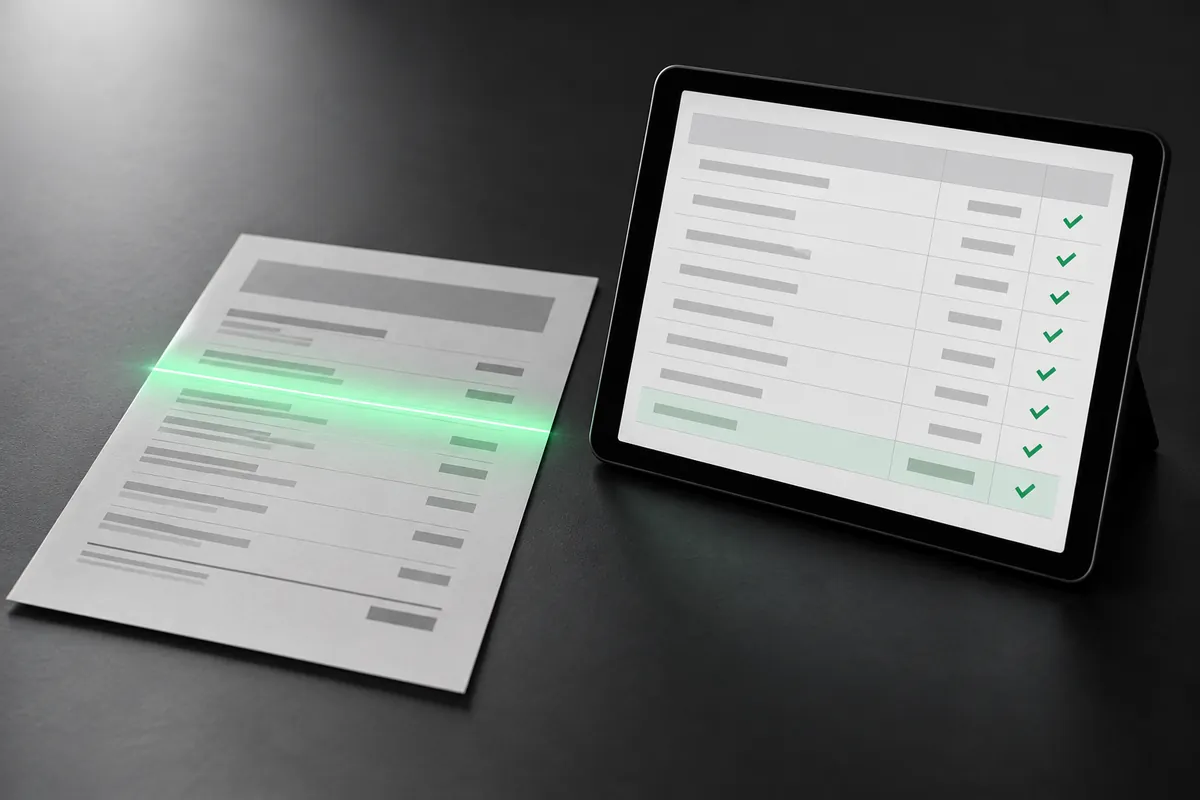
Get Excel, CSV, or JSON back, and check every field and row beside the original page.
Page 1 free, no sign-up. Pay once from $9 a document, or $29 a month for 400 pages.
Why people look for a Docsumo alternative
Prices before a sales call
Docsumo prices paid plans by the pages you send each month or year, with classification, checks, and workflows adding to the cost, as a custom quote. pdf2text lists its prices: $19 a month for 150 pages.
Starting today
Docsumo's trial starts with a call to set it up on your documents. On pdf2text you upload a statement or an invoice and see the result right away, with the first page free.
Files for the books
pdf2text checks a statement's balances and exports QBO, OFX, QuickBooks CSV, and Xero CSV files you import, as well as Excel and CSV.
Compare
pdf2text and Docsumo at a glance
| Feature | pdf2text | Docsumo |
|---|---|---|
| Setup | Nothing to set up: no template, parsing rules, or training. Upload a document and it is read while you wait | Pre-trained models for many document types, and a model trained on your samples for others; the trial is set up on a call |
| Free option | A free preview with no credit card, one page per document: the first page, or for a one-page invoice its header fields and first line items. Up to 5 free pages to start, then 5 a week with a free account | A 14-day trial with up to 1,000 pages and 10 user licences, set up with you on a short call |
| How you pay | By page count: $9 once per document of up to 25 pages, or $19 a month for 150 pages | A custom quote based on your volume, paid monthly or yearly, with setup fees on top |
| Bank statements | Rows with a balance check, then Excel, CSV, QBO, OFX, QuickBooks CSV, or Xero CSV | Account details, balances, and every transaction with a category, checked against the rest of the file |
| Invoices | Invoice number, dates, vendor and customer, line items, tax, and totals, in one sheet | Header, parties, every line item, and totals, with line-math checks |
| How documents get in | PDFs, scans, and phone photos (JPG, PNG, or WebP), uploaded in any browser, phones included | PDF, JPG, PNG, or TIFF by upload, email, cloud storage, Zapier, or the API |
| QuickBooks and Xero | QBO, OFX, QuickBooks CSV, and Xero CSV files you import | None listed on its integrations page |
| Spreadsheet and data formats | Excel, CSV, JSON, and plain text | Excel, CSV, Google Sheets, and JSON by API or webhook |
| Checking results | Every field and line item beside the original page, editable before you export | A review queue for fields below the confidence you set, with the source line highlighted |
Pricing
What you would pay
Docsumo publishes no price for its paid plans: they are a custom quote based on the pages you send each month or year, with classification, checks, and workflows adding to the cost, and setup fees on top. So there is no Docsumo total here.
| Option | pdf2text | Docsumo |
|---|---|---|
| Free | A free preview with no credit card, one page per document: the first page, or for a one-page invoice its header fields and first line items. Up to 5 free pages to start, then 5 a week with a free account | 14-day trial, up to 1,000 pages, set up on a call |
| One document, no subscription | $9 once per document of up to 25 pages | No published price: paid plans are billed monthly or yearly |
| Monthly | $19 a month for 150 pages, $29 a month for 400 pages, or $79 a month for 1,500 pages | Business and Enterprise: a custom quote based on your volume, with monthly credits that reset each month |
| Terms | No setup fee; monthly plans you can cancel any time | Setup fees on top of the plan; paid plans renew automatically unless you give notice 30 days before renewal |
Docsumo prices and features are from its own website, checked on October 20, 2026. They may have changed since. Sources: Docsumo pricing, Docsumo home page, Docsumo free trial, Docsumo bank statement extraction, Docsumo invoice extraction, Docsumo document extraction API, Docsumo integrations, Docsumo security, Docsumo about, Docsumo terms. See pdf2text pricing
Choose pdf2text if
- You want bank statements or invoices read now, with no call or setup.
- You want a published price per page.
- You want a statement's balances checked and a QuickBooks or Xero file.
- You have an occasional document and want to pay once for it.
Stay with Docsumo if
- You check documents against each other: deposits against stated income, names and addresses against IDs, pay stubs, and tax returns.
- You split mixed uploads into the statements, pay stubs, and IDs inside them.
- You process many document types, such as tax forms, insurance forms, and utility bills, with review queues and workflows.
- You build extraction into your own product, with a white-label review screen and an account for each customer.
- Your company asks for SOC 2 Type 2, ISO 27001, or HIPAA with a BAA, which Docsumo states it has.
How to try pdf2text next to Docsumo
-
Upload an invoice or a bank statement below: a PDF, a scan, or a phone photo. There is no template or parsing rule to set up first.
-
Check the fields and line items, or a statement's rows and balances, beside the original page, and fix any cell.
-
Download Excel, CSV, or JSON; for a bank statement also a QBO, OFX, QuickBooks CSV, or Xero CSV file to import.
-
Nothing to migrate: each document converts on its own, so you can keep Docsumo for the workflows it runs.
Page 1 free, no sign-up. Pay once from $9 a document, or $29 a month for 400 pages.
FAQ
Common questions
How much does Docsumo cost?
Do I need to set up a model or a template?
Does pdf2text check documents against each other?
Can pdf2text export to QuickBooks or Xero?
Convert your next statement or invoice with pdf2text
Upload an invoice or a bank statement, check it beside the page, and download Excel, CSV, or JSON. No credit card needed.