Able2Extract alternative
Able2Extract pricing, and an online alternative for bank statements
Able2Extract Professional, from Investintech, is desktop software for Windows, macOS, and Linux that converts any PDF to Excel, Word, PowerPoint, and more, edits PDFs, and works fully offline, for $199.95 once. pdf2text is online and made for financial documents: upload a bank statement, check every row beside the page with a balance check, and download Excel, CSV, or a file for QuickBooks or Xero. For editing PDFs, converting them to other formats, or keeping files on your own computer, Able2Extract is the better choice.
In short
- Nothing to install: pdf2text runs in any browser, on a phone too. Able2Extract is a desktop download for Windows, macOS, and Linux, with no web-app version.
- Transactions, not a table layout: pdf2text reads a statement's dates, descriptions, amounts, and balances and checks them. Able2Extract converts PDF tables to Excel and lets you set the columns and rows yourself, with templates for the same layout.
- Paying once: Able2Extract is $199.95 for a lifetime license or $49.95 for 30 days; on pdf2text one statement is $9 once per document of up to 25 pages, and plans start at $19 a month for 150 pages.
Try it on one of your statements
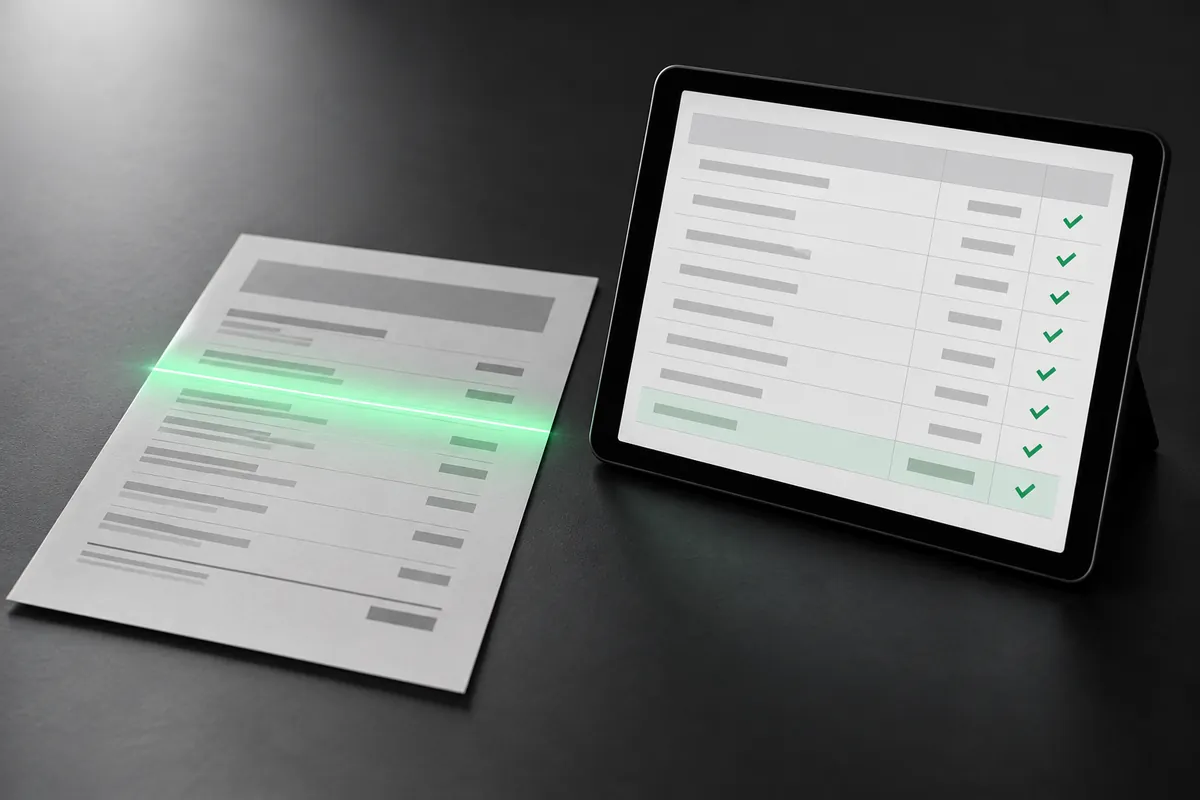
Get Excel or CSV back, and check every row beside the original page.
Page 1 free. Pay once from $9 a document, or $29 a month for 400 pages.
Why people look for an Able2Extract alternative
No software to install
Able2Extract is a desktop app for x86 computers (Macs with Apple silicon need Rosetta 2), on up to two computers per license. pdf2text runs in any browser, a phone included.
Files for QuickBooks and Xero
Able2Extract's own QuickBooks guide converts the PDF to CSV, then imports the CSV. pdf2text exports QBO, OFX, QuickBooks CSV, and Xero CSV files you import for a statement, as well as Excel and CSV.
A few statements, not a license
A one-off job doesn't need a $199.95 license. On pdf2text you can pay once per statement: $9 once per document of up to 25 pages.
Compare
pdf2text and Able2Extract at a glance
| Feature | pdf2text | Able2Extract |
|---|---|---|
| Where it runs | Any browser, on Windows, Mac, Linux, or a phone | Desktop app for Windows 11 or 10, macOS 11 to 26, and Ubuntu or Fedora Linux; no web-app version |
| Where files are processed | Online, on pdf2text's servers | On your computer; it works fully offline |
| Free option | The first page of each document free with no credit card, and 5 free pages every week with a free account, one per document | A 7-day trial with no card: one file in full, then up to 3 pages at a time |
| How you pay | By page count: $9 once per document of up to 25 pages, or $19 a month for 150 pages | $199.95 once for a lifetime single-user license, or $49.95 for 30 days |
| Reading a statement | Dates, descriptions, amounts, and balances found for you, with a balance check | Tables converted to Excel; set the columns and rows yourself, or train templates for the same layout |
| QuickBooks and Xero | QBO, OFX, QuickBooks CSV, and Xero CSV files you import | A CSV you import, as its QuickBooks guide shows |
| QBO and OFX files | QBO and OFX files | Not among its output formats |
| Spreadsheet and data formats | Excel, CSV, JSON, and plain text | Excel, CSV, and TSV |
| Other formats and tools | Text and Word from any PDF, scan, or photo | Word, PowerPoint, AutoCAD, HTML, and images; PDF editing, forms, signatures, and redaction |
| Scanned statements | Yes, including scanned PDFs and phone photos | Yes, with OCR in 12 languages |
Pricing
What you would pay
Able2Extract is a license for one user, not a page allowance: $199.95 once, installed on up to two computers, or $49.95 for 30 days with no automatic renewal. Over a year or more of regular use, its one-time license can cost less than a pdf2text plan.
| Statements to convert | pdf2text | Able2Extract |
|---|---|---|
| One statement of up to 25 pages, once | $9 once per document of up to 25 pages | $49.95 for a 30-day license, or the trial's one full file |
| 150 pages, for one month | $19 a month for 150 pages | $49.95 for a 30-day license |
| 400 pages a month, for a year | $29 a month for 400 pages | $199.95 once for a lifetime license; new releases with the $49.95-a-year support plan |
Able2Extract prices and features are from its own website, checked on October 20, 2026. They may have changed since. Sources: Able2Extract store, Able2Extract Professional, Able2Extract free trial and system requirements, Investintech: PDF to CSV for QuickBooks. See pdf2text pricing
Choose pdf2text if
- You'd rather not install software, or you work on a phone or a computer you can't install on.
- You want statements read into transactions with a balance check, not tables to lay out.
- You want QuickBooks or Xero files for a statement, not only a CSV.
- You have an occasional statement and prefer paying once for it.
Stay with Able2Extract if
- Your files must stay on your computer, or you work offline.
- You'd rather pay once: $199.95 for a lifetime license.
- You edit, sign, redact, or compare PDFs as well as convert them.
- You need Word, PowerPoint, AutoCAD, or other formats from any PDF.
- You batch-convert whole folders of PDFs with templates you set up.
How to switch from Able2Extract
-
Upload a bank statement PDF, scan, or photo below. Its first page is free, with no credit card.
-
Check the dates, descriptions, amounts, and balances beside the original page.
-
Download Excel or CSV, a QBO or OFX file, or the QuickBooks or Xero CSV, and import it as you do today.
-
Nothing to migrate: each statement converts on its own, so you can keep Able2Extract until you are sure.
Page 1 free. Pay once from $9 a document, or $29 a month for 400 pages.
FAQ
Common questions
How much does Able2Extract cost?
Can Able2Extract convert bank statements to QuickBooks?
Do I need to install pdf2text?
Are my statements uploaded?
Convert your next statement with pdf2text
Upload a statement, check the rows, and download Excel or CSV. No credit card needed for the first pages.